Everything you need to make Reels that look like 5 Day Sprint: the logo, the colours, the font, ready-made templates and a few simple rules. It takes about 10 minutes to set up.
Download the zip above, double click it to unzip it, and move the folder somewhere you'll find it again. Your Documents folder is perfect.
Keep the files in this folder, even after you've imported them into your editor. Editing apps link to files where they sit, so if you move or delete them later, your project will show them as missing.

Everything 5 Day Sprint uses 1 font family, Geist. It's free, and it's in the 5DS Fonts folder. Install every file in that folder once, and it shows up in every app.
5DS Fonts folder.Cmd + A.5DS Fonts folder.Ctrl + A.Can't see Geist in your app? Restart the app first. Still missing? Restart your computer. On a phone editor, use the closest clean sans font and tell Omar.
Use the white logo on blue or dark backgrounds and the blue logo on white or light ones. PNG works in every editor. SVG stays sharp at any size if your app takes it.
Sprint blue does most of the work, with white and ink. Click a colour to copy its code. In Premiere, After Effects or Photoshop you can load all of them at once from 5DS-colours.ase.
A good balance: about 70% blue, 25% white, a touch of ink. Claude orange is only for the Claude Code name, never as a main colour.
All 1080 × 1920 pixels, the Reels size. Drop them straight into your timeline.
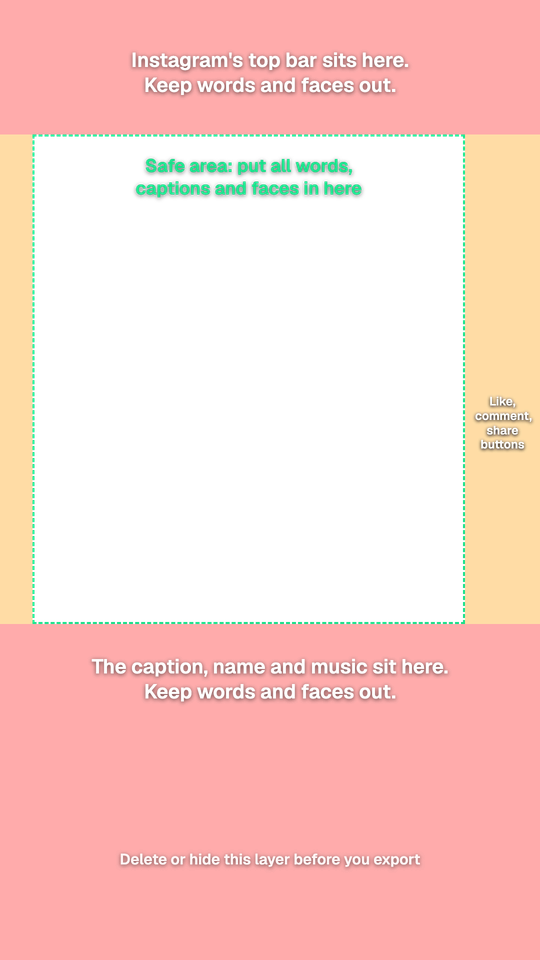
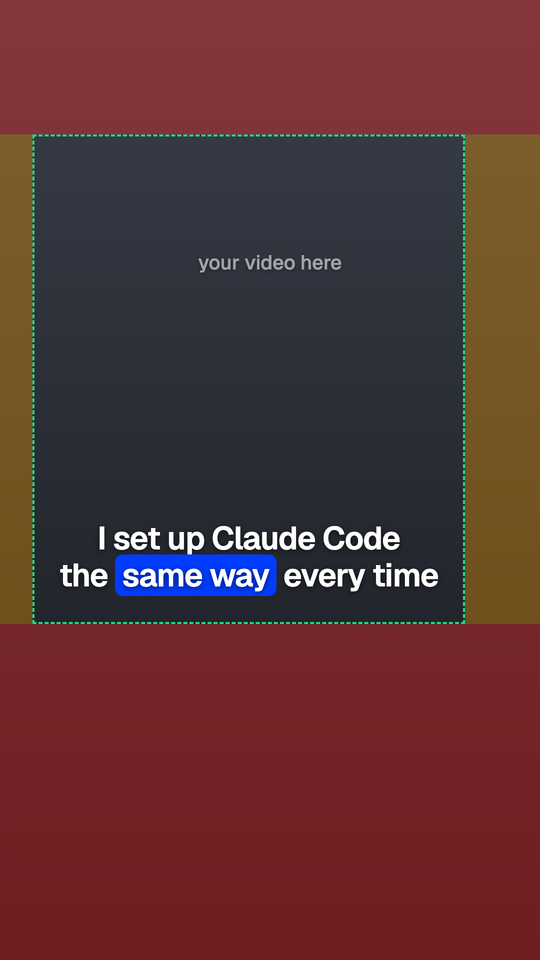
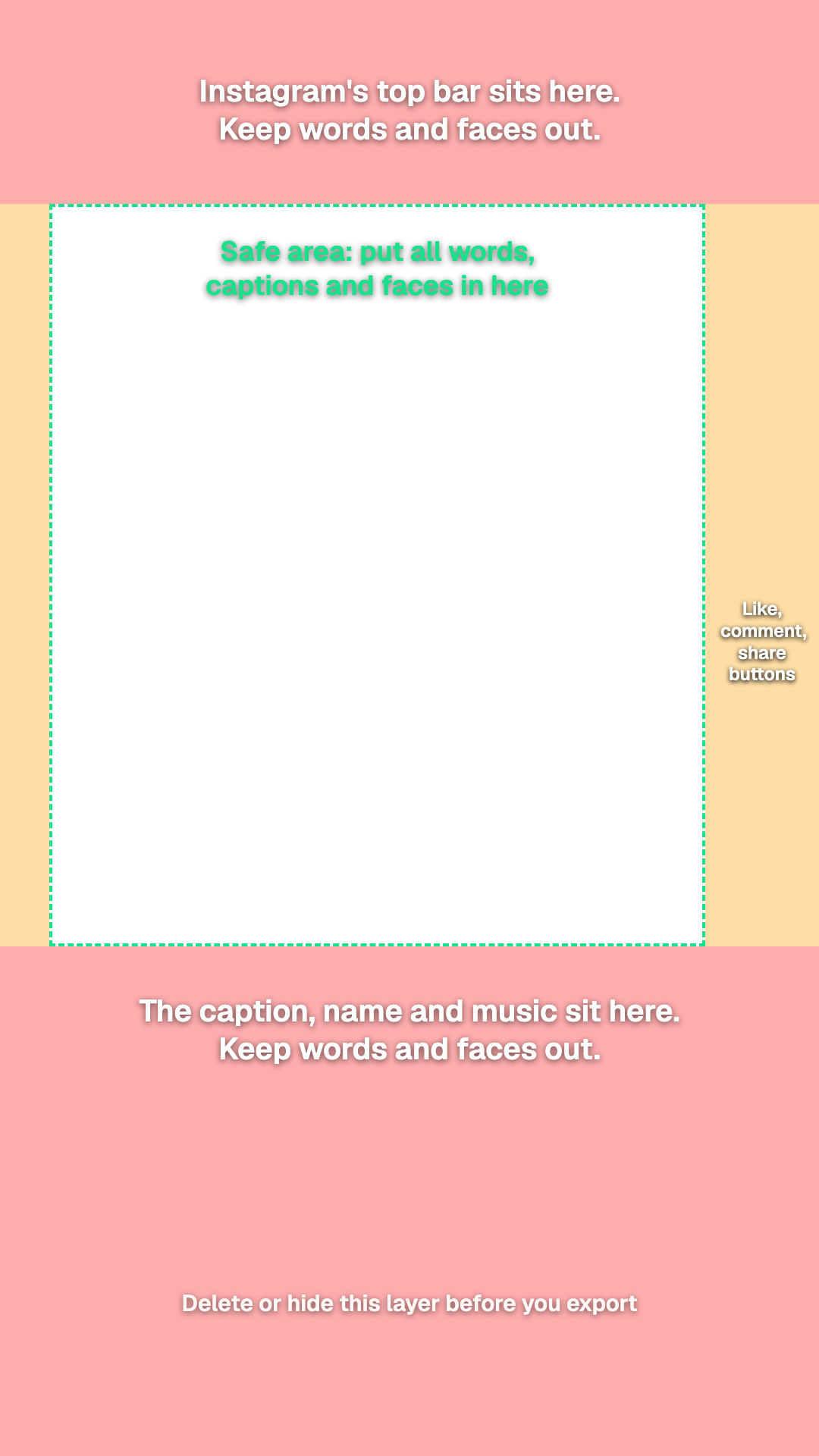
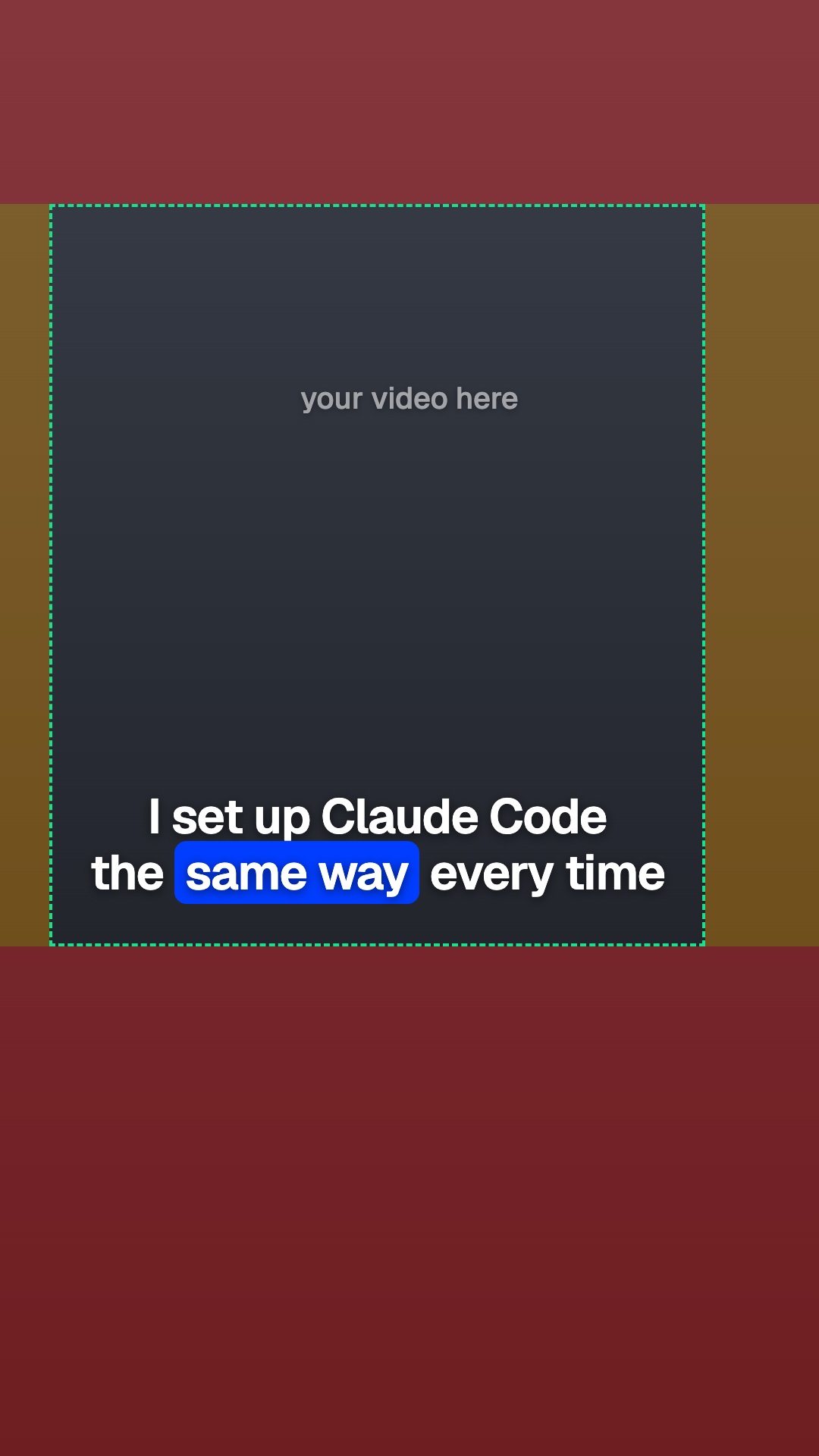
Instagram covers the top and bottom of every Reel with its buttons, caption and music. Put this on the top layer while you edit and keep every word and face inside the green box. Hide it before you export.
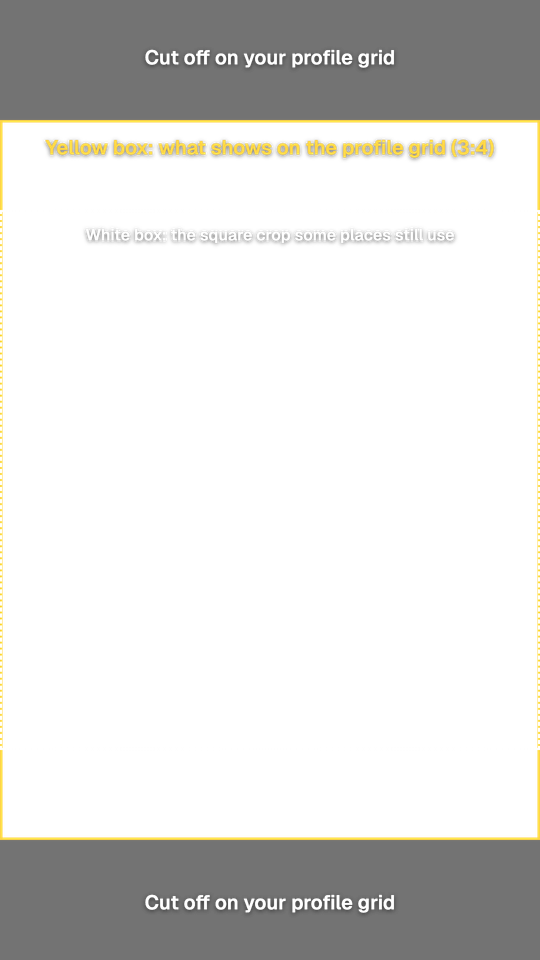
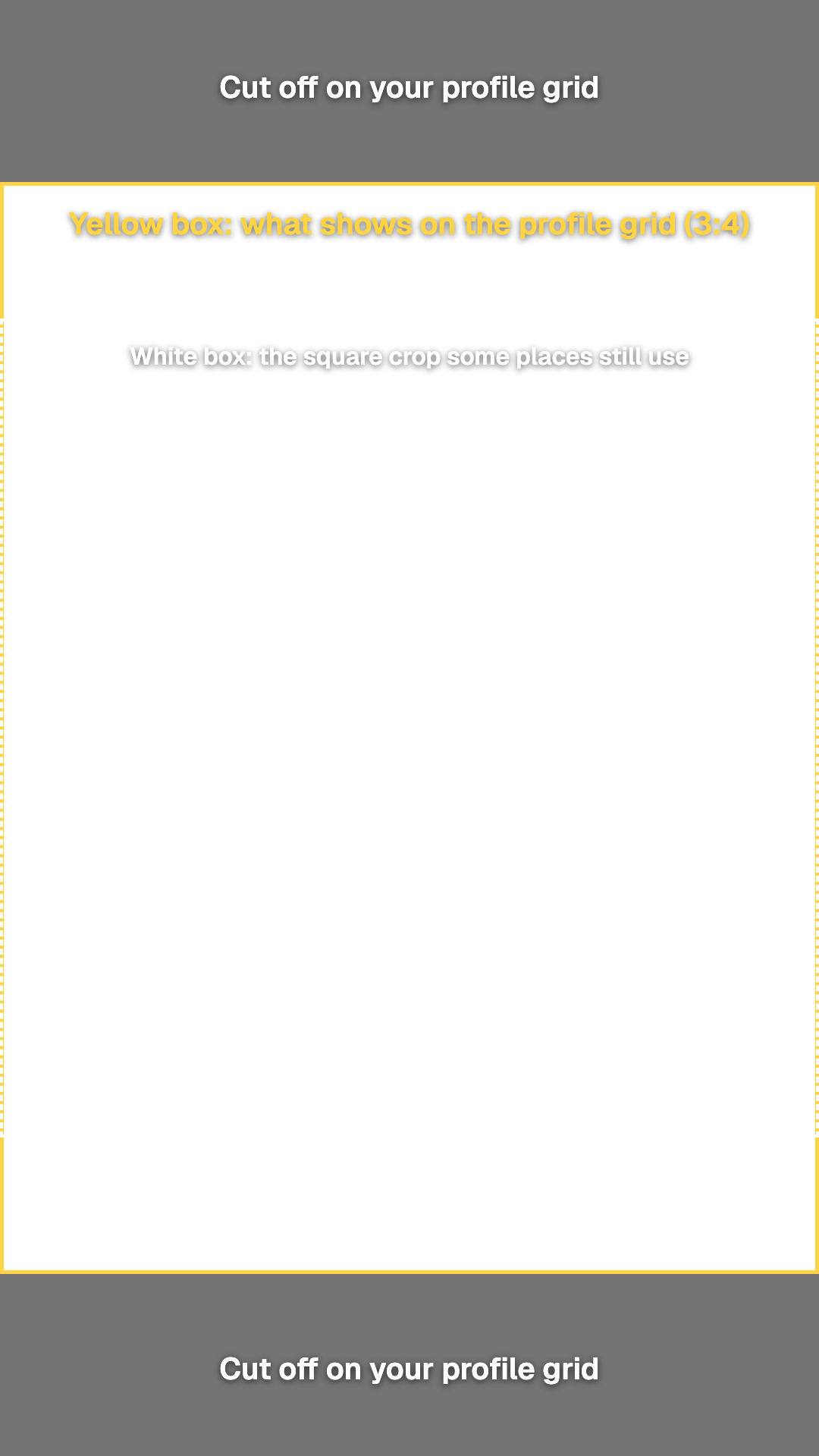
Your Reel's cover gets cropped on the profile grid. Lay this over your cover frame and keep the title inside the yellow box so it reads on the grid too.
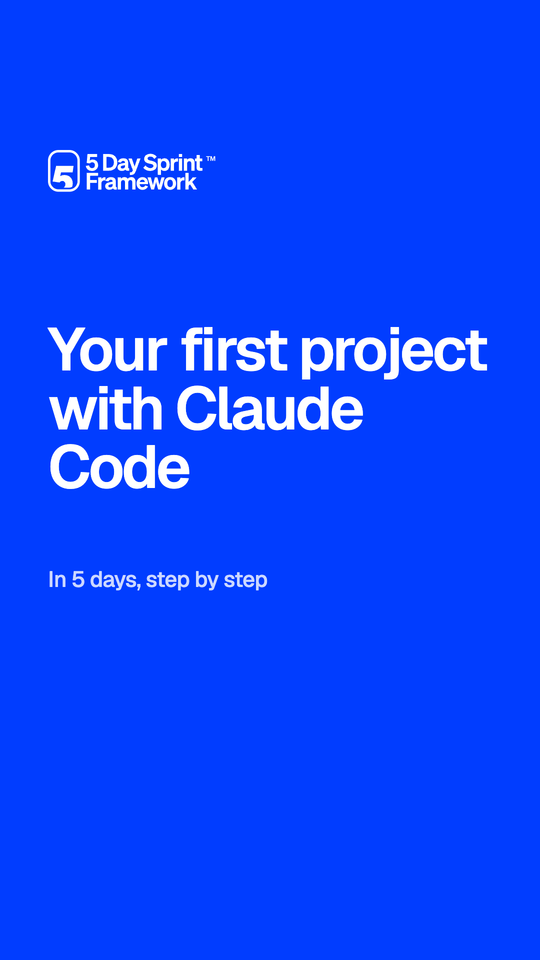
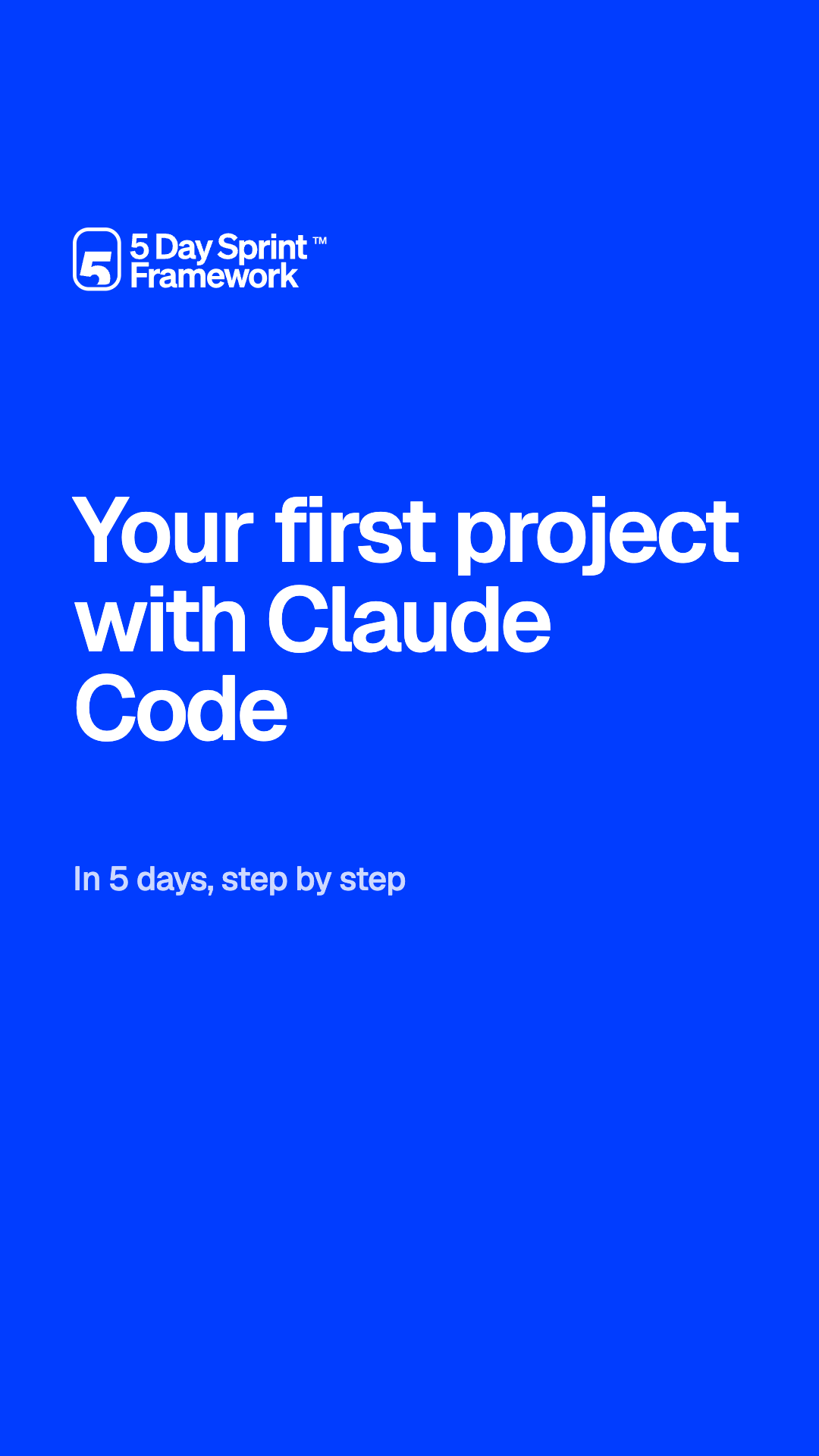
Blank backgrounds with the logo already placed. Add your title in Geist SemiBold, about 110 to 130 px, left aligned on the logo's line. 1 short title, nothing else. The example shows the look.
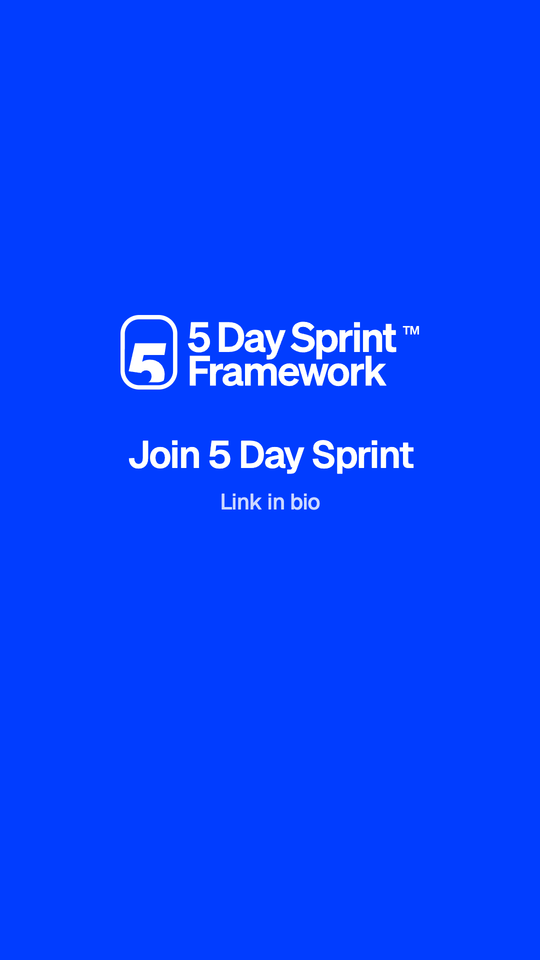
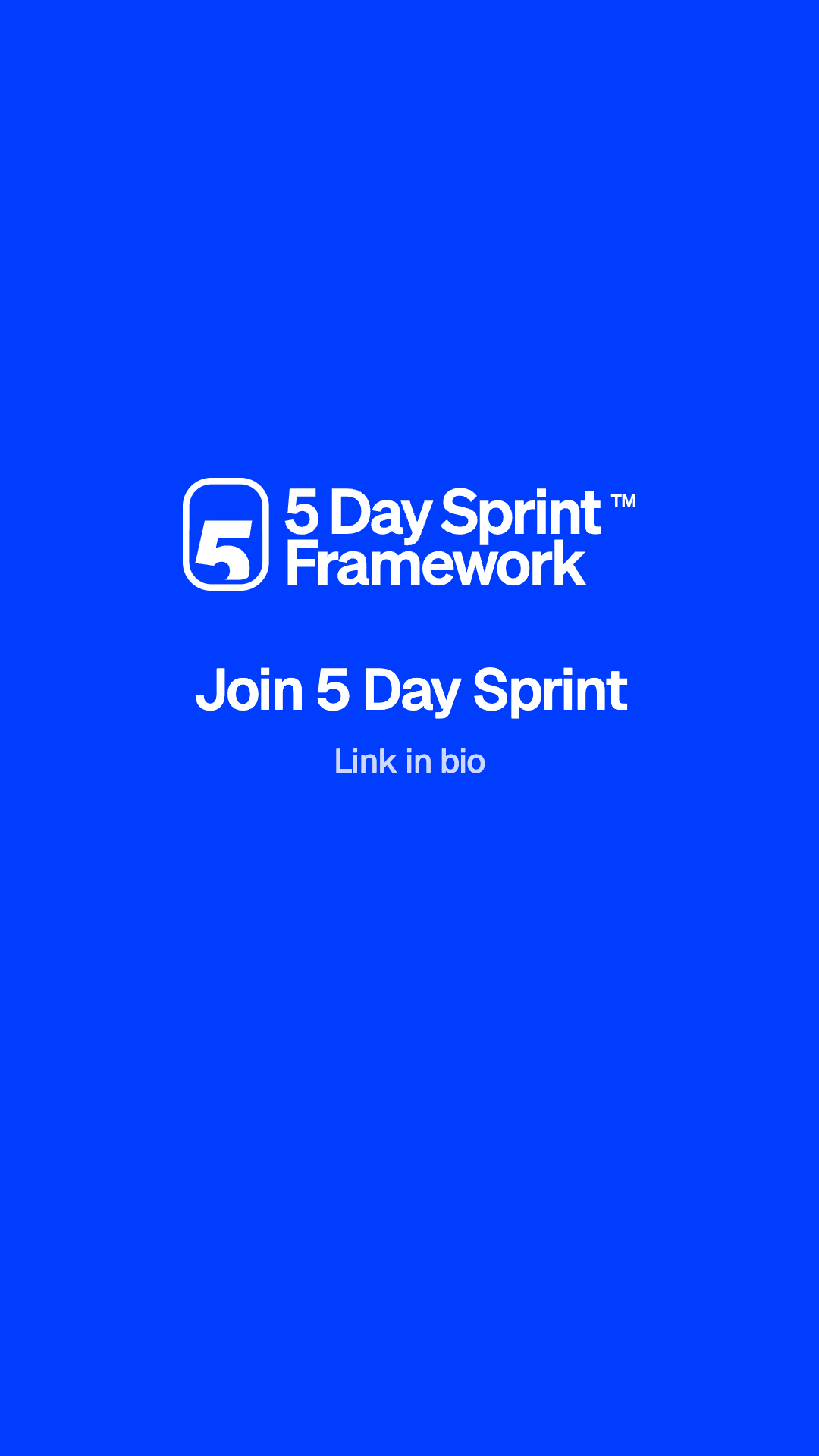
An optional last 1 to 2 seconds: logo, "Join 5 Day Sprint", "Link in bio". Use it only if Omar asks for one on that Reel.
A see-through layer with the small white logo already in the right spot, top left, just inside the safe zone. Lay it over the whole video if the Reel needs branding.
Clean and calm. 1 font, white text, a touch of blue to highlight. A starting point: Omar may tune it after the first few Reels.
I set up Claude Code
the same way every time
Geist SemiBold, tight letter spacing (about -4%), line height close to 1. White on blue, or ink on white or cream.
1 idea per screen. Lots of empty space. No stickers, no emoji pile ups, no bouncing word effects.
If you add any text of your own (a hook, a title), these keep it on brand.